Freelancers rely on WhatsApp for client inquiries, project updates, payment reminders, delivery timelines, and follow-ups. WhatsApp is used by more than 2 billion people globally, which makes it one of the most common channels for direct client communication.
The right WhatsApp tools help freelancers stay organized, reply faster, schedule important messages, manage leads, automate repetitive communication, and keep client conversations from slipping through. In this article, we’ll look at the best WhatsApp tools for freelancers and how each one can support smoother client communication.
Why Freelancers Need WhatsApp Tools
For many freelancers, WhatsApp is where client communication actually happens. New inquiries, project discussions, file sharing, revisions, payment reminders, delivery updates, and follow-ups often move through the same chat inbox.
As the number of clients grows, managing everything manually becomes harder. Important messages can get buried, follow-ups can be delayed, and repeated replies can take up time that should go into client work.
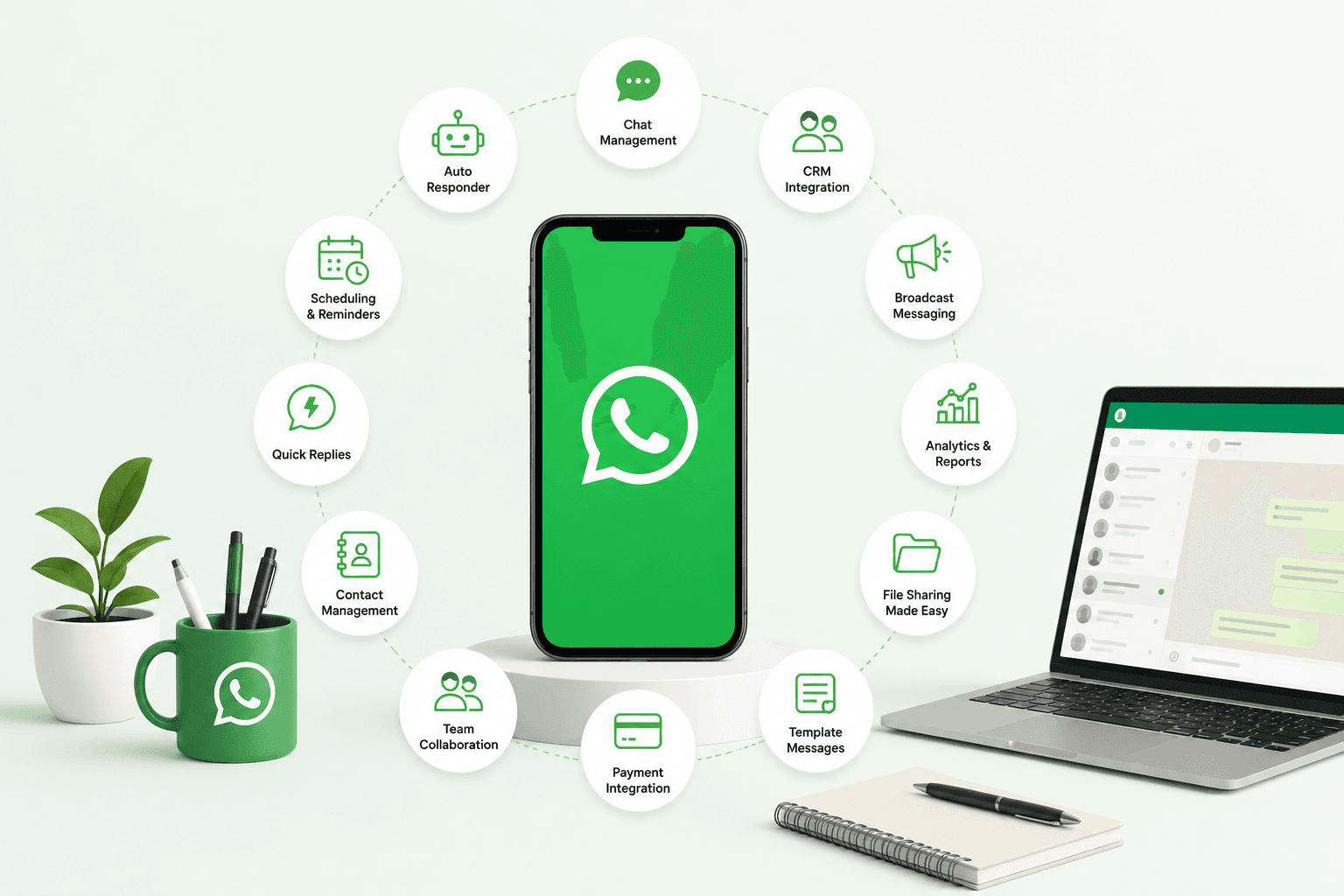
WhatsApp tools help freelancers stay more organized by supporting message scheduling, quick replies, labels, reminders, automation, CRM tracking, team inboxes, and workflow integrations.
The goal is not to make WhatsApp complicated. It is to make client communication easier to manage, especially when a freelancer is handling multiple projects, leads, and deadlines at the same time.
Best WhatsApp Tools for Freelancers
1. Send Later

Send Later is a WhatsApp scheduling tool that helps freelancers plan messages, reminders, and follow-ups in advance. It is useful when you need to send a client update, payment reminder, proposal follow-up, meeting note, or delivery message at the right time.
Freelancers often manage multiple clients at once, and not every message needs to be sent immediately. Send Later helps reduce the pressure of remembering every follow-up manually, especially when conversations are spread across different projects and deadlines.
Best for: WhatsApp message scheduling, client follow-ups, payment reminders, project updates, and time-sensitive communication.
Why freelancers may find it useful: It helps freelancers avoid missed follow-ups, stay organized with client communication, and manage WhatsApp conversations without adding a complicated workflow.
2. WhatsApp Business

WhatsApp Business is a free tool for freelancers who want a more professional way to manage client communication on WhatsApp. It lets you create a business profile, add service details, set business hours, organize chats with labels, and use quick replies for repeated questions.
For freelancers, WhatsApp Business is useful when client conversations start becoming harder to manage inside a personal WhatsApp account. You can separate work communication, reply faster to common inquiries, and give clients clearer information about your services.
Best for: business profiles, quick replies, labels, client communication, service details, and basic WhatsApp organization.
Why freelancers may find it useful: It helps freelancers look more professional, manage client chats better, and reduce repeated typing for common messages.
3. WATI

WATI is a WhatsApp Business API platform that helps freelancers and small teams manage client conversations, broadcasts, templates, and automated replies from one shared inbox. It is useful for freelancers who handle a higher volume of leads, inquiries, updates, or support messages through WhatsApp.
For freelancers, WATI can help when simple one-to-one WhatsApp communication is no longer enough. You can organize conversations, send approved message templates, automate common replies, and manage communication more professionally as client volume grows.
Best for: WhatsApp Business API, shared inbox, broadcasts, message templates, automation, and client support.
Why freelancers may find it useful: It helps freelancers manage larger WhatsApp communication workflows without losing track of leads, clients, or repeated messages.
4. Interakt

Interakt is a WhatsApp Business platform that helps freelancers manage leads, customer conversations, notifications, and basic CRM workflows from WhatsApp. It is useful for freelancers who receive inquiries through WhatsApp and want a better way to track, respond, and follow up.
For freelancers, Interakt can help organize conversations beyond a regular chat inbox. You can manage contacts, send WhatsApp notifications, use automated replies, and keep client communication more structured as your workload grows.
Best for: WhatsApp CRM, lead management, automated replies, customer notifications, and client conversations.
Why freelancers may find it useful: It helps freelancers manage client inquiries and follow-ups more systematically, especially when WhatsApp becomes a major sales or support channel.
5. AiSensy

AiSensy is a WhatsApp engagement platform that helps freelancers manage broadcasts, automated messages, campaigns, and customer conversations through the WhatsApp Business API. It is useful for freelancers who want to send updates, reminders, offers, event messages, or client communication at a larger scale.
For freelancers, AiSensy can be helpful when WhatsApp is used not just for one-to-one chats, but also for lead nurturing, client updates, repeat communication, and service promotion. It helps organize outreach while keeping communication inside a channel clients already use.
Best for: WhatsApp campaigns, broadcasts, automation, lead nurturing, client updates, and customer engagement.
Why freelancers may find it useful: It helps freelancers manage WhatsApp communication at scale without manually sending every update or follow-up.
6. Eazybe

Eazybe is a WhatsApp CRM and productivity tool that works inside WhatsApp Web. It helps freelancers organize client conversations with labels, funnels, deal stages, quick replies, reminders, scheduled messages, and CRM integrations.
For freelancers, Eazybe is useful when WhatsApp becomes more than a chat app. If you manage leads, project updates, sales conversations, and follow-ups through WhatsApp, Eazybe can help keep those conversations structured without constantly switching between WhatsApp and a separate CRM.
Best for: WhatsApp CRM, client follow-ups, lead tracking, quick replies, labels, reminders, message scheduling, and CRM sync.
Why freelancers may find it useful: It helps freelancers manage client conversations more professionally, reduce missed follow-ups, and keep WhatsApp work organized inside one workflow.
7. Picky Assist

Picky Assist is a WhatsApp automation tool that helps freelancers manage messages, reminders, workflows, and customer communication through WhatsApp. It is useful for freelancers who want to automate repeated communication, follow-ups, lead capture, appointment reminders, and client updates.
For freelancers, Picky Assist can help reduce manual work when the same messages need to be sent often. It can support workflows like sending inquiry responses, reminding clients about pending payments, collecting details, or moving leads through a simple communication flow.
Best for: WhatsApp automation, client reminders, lead capture, workflows, payment follow-ups, and repeated messages.
Why freelancers may find it useful: It helps freelancers save time on repetitive WhatsApp communication and keep client follow-ups more consistent.
8. Respond.io

Respond.io is a customer conversation platform that helps freelancers manage WhatsApp, Instagram, Messenger, email, and other chat channels from one inbox. It is useful for freelancers who receive client inquiries from multiple platforms and want to avoid switching between different apps.
For freelancers, Respond.io can help centralize communication, track conversations, automate replies, assign chats, and manage follow-ups more clearly. This is especially useful for freelancers who work with many clients, run ads, or receive leads from social media and WhatsApp.
Best for: Multi-channel inbox, WhatsApp communication, client inquiries, automation, lead management, and follow-up tracking.
Why freelancers may find it useful: It helps freelancers manage client conversations from different channels in one place and respond faster without losing context.
9. Zoko

Zoko is a WhatsApp commerce and customer engagement tool that helps freelancers manage orders, payments, customer chats, broadcasts, and support workflows through WhatsApp. It is useful for freelancers who sell services, digital products, consultations, templates, or small business packages through WhatsApp.
For freelancers, Zoko can help turn WhatsApp into a more structured sales and support channel. You can manage client inquiries, send updates, share payment links, handle order-related messages, and keep customer conversations organized as business grows.
Best for: WhatsApp commerce, order updates, customer support, payments, broadcasts, and sales communication.
Why freelancers may find it useful: It helps freelancers manage WhatsApp-based selling and client communication more professionally without relying only on manual chats.
10. WA Web Plus

WA Web Plus is a browser extension for WhatsApp Web that adds productivity features for freelancers who manage most of their client communication from a desktop. It can help with privacy controls, message tools, quick actions, and better WhatsApp Web workflow management.
For freelancers, WA Web Plus is useful when WhatsApp Web is part of the daily work setup. It can make it easier to manage conversations, reduce distractions, protect sensitive information on screen, and work faster from the browser.
Best for: WhatsApp Web productivity, privacy controls, desktop workflow, quick actions, and client communication management.
Why freelancers may find it useful: It helps freelancers use WhatsApp Web more efficiently when handling client chats, project updates, and daily communication from a laptop or desktop.
11. TimelinesAI

TimelinesAI is a WhatsApp management tool that helps freelancers and small teams organize client conversations, sync WhatsApp chats with CRMs, and manage communication from a shared workspace. It is useful for freelancers who work with assistants, contractors, sales partners, or small client-support teams.
For freelancers, TimelinesAI can help when WhatsApp conversations need better visibility beyond one phone. It allows teams to review chat history, track client updates, manage follow-ups, and connect WhatsApp communication with tools like HubSpot, Pipedrive, Zoho, and Monday.com.
Best for: WhatsApp team inbox, CRM sync, shared client communication, chat history, lead tracking, and follow-up management.
Why freelancers may find it useful: It helps freelancers keep WhatsApp conversations organized and accessible when client communication needs to be tracked across tools or team members.
12. Zapier

Zapier is an automation tool that helps freelancers connect WhatsApp-related workflows with other apps they use every day, such as Google Sheets, Gmail, Slack, Trello, Calendly, CRMs, forms, and project management tools.
For freelancers, Zapier is useful when client communication creates repeated admin work. For example, a new form submission can create a lead record, a booked call can trigger a follow-up task, or a client update can be pushed into a spreadsheet or CRM automatically.
Best for: Workflow automation, app integrations, lead tracking, task creation, CRM updates, and reducing manual admin work.
Why freelancers may find it useful: It helps freelancers save time by connecting WhatsApp workflows with the rest of their business tools, so fewer tasks need to be handled manually.
How to Choose the Right WhatsApp Tool as a Freelancer
The right WhatsApp tool depends on how you use WhatsApp in your freelance business. A freelancer who mainly needs message scheduling will need a different tool from someone managing leads, payments, broadcasts, or client support.
Start by looking at your biggest communication problem. If you miss follow-ups, choose a scheduling or reminder tool like Send Later. If you want a more professional client profile, WhatsApp Business may be enough. If you manage many leads or clients, a WhatsApp CRM or shared inbox can help. If you repeat the same workflows often, automation tools like Zapier, Picky Assist, or AiSensy may be more useful.
A good WhatsApp tool should save time, reduce missed messages, and make client communication easier to manage without making your workflow more complicated.
Conclusion
WhatsApp is an important communication channel for many freelancers, but managing every client message manually can become difficult as projects, leads, and follow-ups increase.
The best WhatsApp tool depends on how you use WhatsApp in your freelance workflow. Send Later is useful for scheduling messages and follow-ups; WhatsApp Business helps with basic client communication; and tools like WATI, Interakt, AiSensy, Eazybe, Respond.io, TimelinesAI, and Zapier can help with CRM, automation, broadcasts, and multi-channel workflows.
Start with the tool that solves your biggest communication problem first. The goal is to save time, stay organized, and make client communication easier without adding unnecessary complexity.
Frequently Asked Questions
What are the best WhatsApp tools for freelancers?
Some of the best WhatsApp tools for freelancers include Send Later, WhatsApp Business, WATI, Interakt, AiSensy, Eazybe, Picky Assist, Respond.io, Zoko, WA Web Plus, TimelinesAI, and Zapier.
Which WhatsApp tool is best for scheduling messages?
Send Later is useful for freelancers who want to schedule WhatsApp messages, client follow-ups, payment reminders, project updates, and time-sensitive communication.
Is WhatsApp Business useful for freelancers?
Yes. WhatsApp Business helps freelancers create a professional profile, use quick replies, organize chats with labels, add service details, and manage client communication better.
Which WhatsApp tool is best for client follow-ups?
Send Later, Eazybe, Picky Assist, and TimelinesAI can help freelancers manage client follow-ups, reminders, lead tracking, and WhatsApp-based communication workflows.
Which WhatsApp tool is best for automation?
Zapier, Picky Assist, AiSensy, WATI, and Interakt are useful for automating WhatsApp-related workflows, replies, broadcasts, lead updates, and client notifications.
Can freelancers use WhatsApp tools for payment reminders?
Yes. Freelancers can use tools like Send Later, Picky Assist, WhatsApp Business, and automation platforms to send payment reminders and follow-up messages.
Do freelancers need WhatsApp Business API tools?
Not always. Solo freelancers may only need Send Later or WhatsApp Business. API tools like WATI, Interakt, and AiSensy are better for higher-volume communication.
How should freelancers choose the right WhatsApp tool?
Freelancers should choose based on their main need: scheduling, quick replies, CRM, automation, broadcasts, client support, payment reminders, or multi-channel communication.