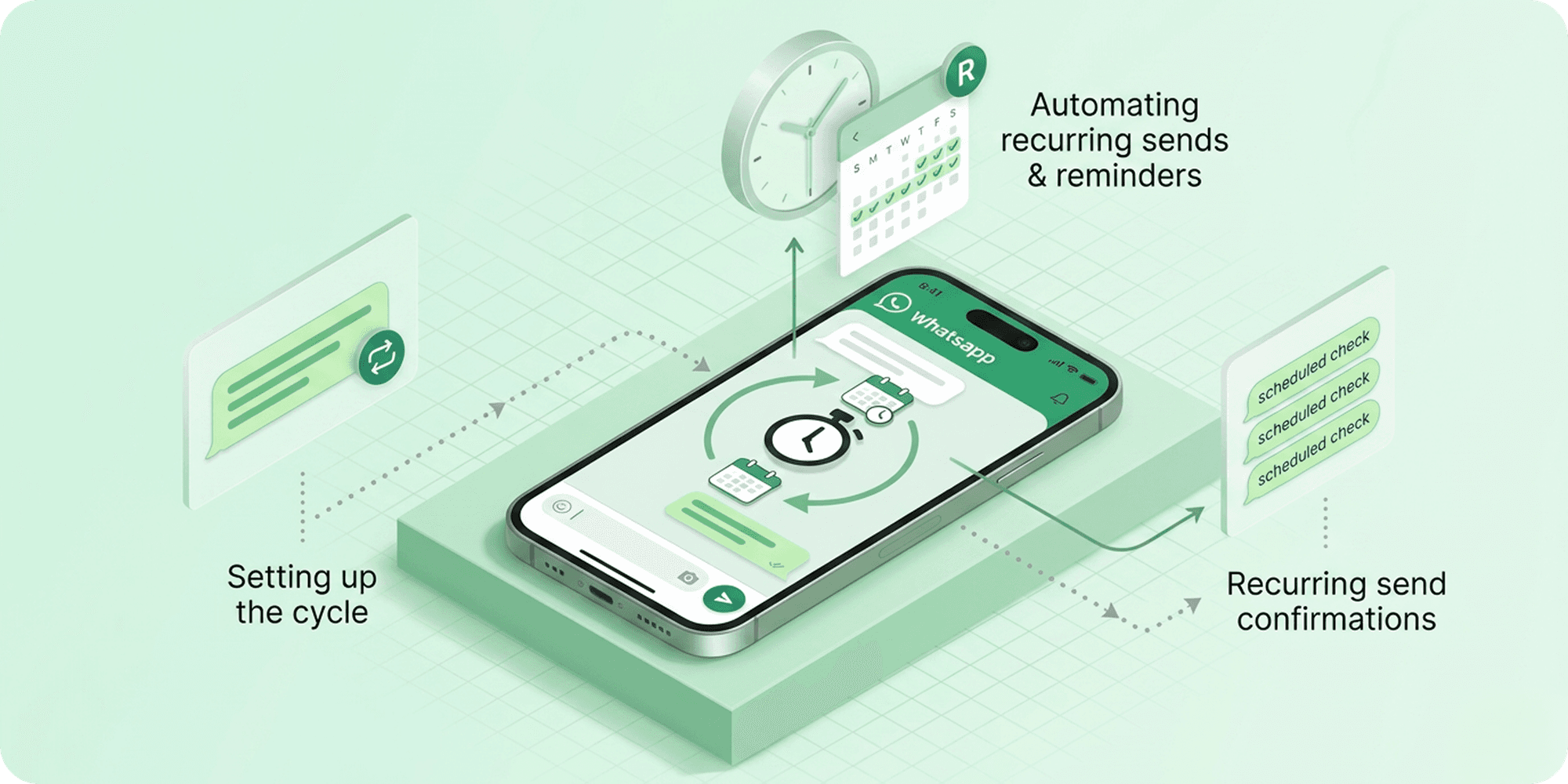
Recurring WhatsApp messages can save a significant amount of time when handling daily reminders, weekly updates, follow-ups, team communication, or recurring personal messages. Instead of sending the same message manually every day or week, users can automate recurring WhatsApp messages and have them sent automatically on a fixed schedule.
This is especially useful for businesses, teams, freelancers, and users who regularly send reminders, announcements, status updates, or repetitive communication through WhatsApp.
In this guide, we’ll explain how to schedule recurring WhatsApp messages daily or weekly, how recurring scheduling works, and the easiest way to automate recurring conversations on WhatsApp.
Can You Schedule Recurring Messages on WhatsApp?
Yes, recurring WhatsApp messages can be scheduled using WhatsApp scheduling tools and automation features. While WhatsApp itself does not fully support built-in recurring scheduling for regular chats, users can automate repeated messages through scheduling apps, WhatsApp Web extensions, or automation tools like iOS Shortcuts.
This allows messages to be automatically sent daily, weekly, or on custom schedules without needing to manually send the same message every time.
Why People Use Recurring WhatsApp Messages
Recurring WhatsApp messages help users automate conversations that need to be sent repeatedly without manual effort every day or week. Instead of typing and sending the same messages over and over again, users can schedule recurring communication once and let it run automatically.
This is commonly used to save time, maintain consistency, reduce missed reminders, and simplify repetitive communication across personal, work, and business conversations.
How to Schedule Recurring WhatsApp Messages
Recurring WhatsApp messages can be scheduled using message scheduling tools that support repeated daily or weekly automation. Once configured, the same message can automatically repeat based on the selected schedule without needing manual intervention each time.
1. Install a WhatsApp Scheduling Tool
Start by installing a WhatsApp scheduling tool or browser extension that supports recurring message automation.
2. Open WhatsApp or WhatsApp Web
Launch WhatsApp or WhatsApp Web and open the conversation where you want the recurring message to be sent.
3. Select the Contact or Group
Choose the individual contact or WhatsApp group that should receive the recurring message.
4. Write the Message
Type the reminder, update, follow-up, or recurring message you want to automate.
5. Choose Daily or Weekly Recurrence
Select how often the message should repeat, such as daily, weekly, or based on a custom recurring schedule.
6. Schedule the Recurring Message
Confirm the schedule, and the recurring message will automatically be sent according to the selected frequency.
Common Uses of Recurring WhatsApp Messages
Recurring WhatsApp messages are useful for conversations that need to be sent repeatedly on a daily, weekly, or fixed schedule. Instead of manually typing the same messages every time, users can automate repetitive communication and keep conversations running consistently.
Some of the most common uses of recurring WhatsApp messages include:
- Daily reminders and recurring notifications
- Weekly updates and announcements
- Attendance or reporting messages
- Recurring client follow-ups
- Team communication and check-ins
- Payment or appointment reminders
- Routine business communication
- Repeated personal reminders
For businesses, teams, freelancers, and regular users, recurring scheduling helps reduce repetitive tasks while making communication more organised and reliable.
Benefits of Scheduling Recurring WhatsApp Messages
1. Reduces Repetitive Manual Communication
Recurring scheduling removes the need to repeatedly type and send the same WhatsApp messages every day or week. Once a recurring message is configured, the automation handles delivery automatically based on the selected schedule.
2. Keeps Conversations Running Consistently
Recurring messages help maintain regular communication without interruptions, especially for reminders, follow-ups, updates, announcements, and recurring notifications that need to be delivered consistently.
3. Saves Time Across Daily Workflows
Instead of manually managing repeated conversations throughout the week, users can automate recurring communication and focus on more important tasks.
4. Makes Communication More Organised
Scheduling recurring WhatsApp messages helps users manage repetitive conversations, routine updates, and scheduled reminders more efficiently across personal, work, and business communication.
5. Helps Avoid Missed Updates and Reminders
Recurring automation ensures important messages continue to be delivered on time without relying on memory, manual reminders, or repeated scheduling every time.
Is Recurring WhatsApp Message Scheduling Safe?
Yes, recurring WhatsApp message scheduling is generally safe when using trusted scheduling tools that follow responsible automation and messaging practices.
Most users automate recurring messages for reminders, routine communication, updates, follow-ups, and productivity rather than spam or bulk messaging. Reliable scheduling tools are designed to automate repeated conversations without modifying WhatsApp itself or encouraging abusive messaging behaviour.
To safely schedule recurring WhatsApp messages:
- Use trusted scheduling tools or browser extensions
- Avoid spam or excessive bulk messaging
- Review permissions before installing any automation tool
- Avoid repetitive promotional messaging to unknown contacts
- Choose tools that prioritize privacy and secure communication
When used responsibly, recurring message scheduling can be a safe and efficient way to automate repetitive WhatsApp communication and recurring reminders.
Why Users Choose Send Later for Recurring Message Scheduling
Many users choose Send Later because it makes recurring WhatsApp message scheduling easier to manage without relying on manual reminders or repetitive communication every day.
Instead of creating the same reminders, follow-ups, or routine messages repeatedly, users can schedule recurring conversations once and let them repeat automatically based on daily or weekly schedules.
Send Later is commonly used for recurring reminders, repeated updates, routine follow-ups, weekly communication, and ongoing WhatsApp workflows. Its scheduling-focused features help simplify repetitive messaging while keeping conversations more organised and consistent over time.
Final Thoughts
Recurring WhatsApp message scheduling is one of the easiest ways to automate repetitive communication and reduce the need for manual reminders or repeated messaging every day.
Whether it’s for daily reminders, weekly updates, recurring follow-ups, or routine communication, scheduling recurring WhatsApp messages helps users stay more organised, save time, and maintain more consistent conversations.
As WhatsApp automation tools continue to improve, recurring scheduling is becoming a practical solution for managing ongoing communication more efficiently across both personal and business use.
Frequently Asked Questions
Can WhatsApp send recurring messages automatically?
WhatsApp does not fully support built-in recurring scheduling for regular chats, but users can automate recurring messages using scheduling tools, browser extensions, or automation features.
Can I schedule daily WhatsApp reminders?
Yes, many WhatsApp scheduling tools allow users to automate daily reminders and repeated messages based on custom schedules.
Can I schedule weekly WhatsApp messages?
Yes, recurring scheduling tools can automatically send WhatsApp messages weekly without needing manual intervention every time.
Do recurring WhatsApp messages send automatically?
Yes, once a recurring message schedule is configured, the messages are automatically delivered based on the selected daily, weekly, or custom recurrence settings.