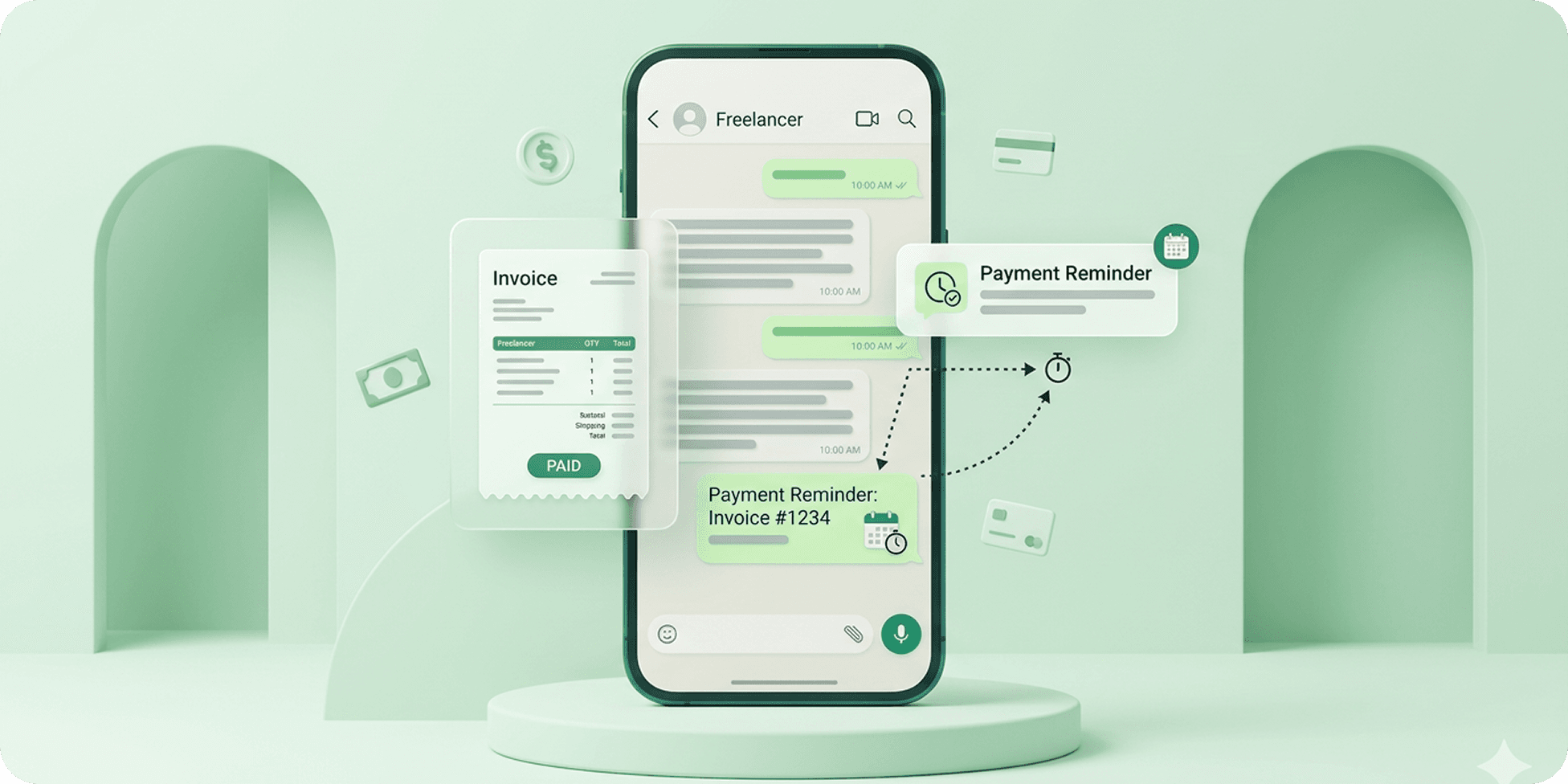
Freelancers often spend more time following up on payments than they expect. Between managing projects, handling clients, sending invoices, and tracking due dates, manually reminding clients about pending payments can quickly become repetitive and uncomfortable.
Since many freelancers already communicate with clients through WhatsApp, payment reminders are now commonly sent directly through WhatsApp chats instead of formal emails alone. Scheduling these reminders in advance can help freelancers maintain consistent follow-ups without needing to manually remember every invoice deadline.
In this guide, we’ll explain how to send payment reminders for freelancers using WhatsApp, how reminder scheduling works, and the easiest ways to automate payment follow-ups through WhatsApp Web and scheduling tools.
Why Freelancers Use WhatsApp for Payment Reminders
Many freelancers use WhatsApp for payment reminders because client communication already happens there throughout the project workflow. Instead of switching between emails, invoices, and separate reminder systems, freelancers can follow up directly through existing WhatsApp conversations.
WhatsApp reminders also tend to feel faster, more direct, and easier for clients to notice compared to traditional email follow-ups. This makes it useful for invoice reminders, milestone payments, overdue follow-ups, monthly retainers, and ongoing client communication.
For freelancers managing multiple projects and clients simultaneously, WhatsApp payment reminders can help simplify follow-ups and reduce missed payment communication.
Can You Automate Payment Reminders on WhatsApp?
Yes, payment reminders can be automated on WhatsApp using scheduling tools, browser extensions, and automation features that support timed message delivery.
While WhatsApp itself has limited built-in scheduling support for regular chats, many freelancers use scheduling tools to automate invoice reminders, payment follow-ups, milestone reminders, and recurring client communication.
This allows freelancers to prepare reminder messages in advance and automatically send them at the right time without manually following up on every payment deadline.
Common Challenges Freelancers Face with Payment Follow-Ups
Following up on payments is one of the most repetitive and uncomfortable parts of freelance work. As the number of clients and projects increases, manually tracking invoice dates and sending reminders can become difficult to manage consistently.
Some of the most common payment follow-up challenges freelancers face include:
- Forgetting invoice due dates
- Delayed client responses
- Repeated manual reminders
- Managing multiple payment timelines
- Following up across different time zones
- Keeping reminders professional without sounding aggressive
- Tracking recurring retainers or milestone payments
For many freelancers, automating payment reminders helps reduce follow-up stress while making client communication more organised and consistent.
How to Send Payment Reminders Using WhatsApp
Many freelancers already communicate with clients through WhatsApp during projects, which makes it one of the easiest places to manage payment follow-ups as well. Instead of manually remembering invoice deadlines or repeatedly checking unpaid invoices, payment reminders can be prepared in advance and automatically delivered at the right time.
1. Set Up a WhatsApp Reminder Tool
Start by using a WhatsApp scheduling tool or browser extension that supports timed reminders and automated message delivery through WhatsApp Web.
2. Open the Client Chat
Go to the client conversation where you usually discuss invoices, project updates, or payment communication. Keeping reminders within the same chat helps maintain context and makes follow-ups feel more natural.
3. Create a Professional Reminder Message
Write a polite payment reminder that clearly mentions the invoice, due date, milestone payment, or pending balance without sounding overly aggressive.
4. Decide When the Reminder Should Be Sent
Choose the most appropriate follow-up timing based on the invoice deadline. Some freelancers schedule reminders before the due date, while others automate overdue follow-ups after a few days.
5. Schedule the Reminder in Advance
Once the message and timing are ready, schedule the reminder so it automatically sends later without requiring manual follow-up. This helps freelancers manage multiple payment conversations more consistently across different clients and projects.
Best Types of WhatsApp Payment Reminders for Freelancers
Different freelance projects often require different types of payment follow-ups depending on the client, billing structure, and project timeline. Using the right reminder format can help freelancers maintain professional communication while improving payment consistency.
Invoice Due Reminders
These reminders are usually sent before the payment deadline to gently notify clients about upcoming invoice due dates and pending payments.
Overdue Payment Follow-Ups
Overdue reminders are used when invoices remain unpaid after the deadline. Many freelancers automate these follow-ups to avoid repeatedly checking pending payments manually.
Milestone Payment Reminders
Freelancers working on phased projects often send milestone reminders before starting the next stage of work or after completing agreed deliverables.
Monthly Retainer Reminders
Recurring clients and retainer-based projects commonly require scheduled monthly payment reminders to maintain ongoing billing consistency.
Friendly Follow-Up Messages
Some payment reminders are intentionally kept casual and conversational to maintain positive client relationships while still following up professionally on pending payments.
Best Practices for Freelancer Payment Reminders
Keep the Reminder Professional and Polite
Payment follow-ups should remain clear, respectful, and professional without sounding overly aggressive or confrontational.
Mention the Invoice or Project Context
Including details like invoice numbers, project names, milestone references, or due dates helps clients quickly understand the reminder.
Avoid Excessive Follow-Ups
Sending too many reminders within a short period can negatively affect client relationships and communication quality.
Schedule Reminders Around Due Dates
Many freelancers send reminders before the payment deadline, on the due date, and a few days after if the invoice remains unpaid.
Use Consistent Reminder Workflows
Automating payment reminders helps freelancers maintain more organised follow-up communication across multiple clients and projects.
Separate Payment Discussions from General Chats
Keeping payment reminders structured and easy to identify can help maintain more professional client communication over WhatsApp.
Is Scheduling Payment Reminders on WhatsApp Safe?
Yes, scheduling payment reminders on WhatsApp is generally safe when using trusted scheduling tools and professional communication practices.
Many freelancers already use WhatsApp for project updates, approvals, invoices, and client communication, which makes payment reminders a natural part of the workflow. Scheduling reminders simply helps automate follow-ups instead of manually tracking every payment deadline.
For safer reminder scheduling, freelancers should:
- Use reliable WhatsApp scheduling tools
- Avoid spam-style messaging behaviour
- Keep payment communication professional and relevant
- Review permissions before installing automation tools
- Avoid sharing unnecessary sensitive financial information in messages
When used responsibly, automated WhatsApp payment reminders can help freelancers manage client follow-ups more consistently and efficiently.
Why Freelancers Choose Send Later for WhatsApp Reminders
Many freelancers choose Send Later because it helps simplify payment follow-ups without needing to manually track every invoice, due date, or overdue reminder.
Instead of remembering when to message each client individually, freelancers can prepare reminders in advance and automate follow-up communication directly through WhatsApp conversations they already use for project discussions and client updates.
This becomes especially useful for freelancers managing multiple clients, recurring retainers, milestone payments, and ongoing projects where payment communication needs to stay consistent without becoming repetitive or stressful.
Final Thoughts
Payment follow-ups are an unavoidable part of freelance work, but manually tracking invoices and reminding clients repeatedly can quickly become time-consuming and difficult to manage.
Using WhatsApp for payment reminders helps freelancers keep communication faster, more direct, and easier to organise alongside regular client conversations. By scheduling reminders in advance, freelancers can automate follow-ups, reduce missed payment communication, and maintain more consistent workflows across multiple projects.
As more freelancers rely on WhatsApp for day-to-day client communication, automated payment reminders are becoming a practical way to simplify invoice follow-ups and reduce administrative effort.
Frequently Asked Questions
Can freelancers send automated payment reminders on WhatsApp?
Yes, freelancers can automate payment reminders on WhatsApp using scheduling tools and browser extensions that support timed message delivery.
Can I schedule WhatsApp payment reminders?
Yes, payment reminders can be scheduled in advance and automatically delivered at selected dates and times through WhatsApp scheduling tools.
Are WhatsApp payment reminders effective for clients?
Many freelancers find WhatsApp reminders effective because clients often respond faster to WhatsApp messages compared to traditional email follow-ups.
Can I send recurring payment reminders on WhatsApp?
Yes, some WhatsApp scheduling tools support recurring reminders for monthly retainers, subscription payments, and ongoing client billing workflows.