If you're evaluating Send Later as your WhatsApp scheduling tool, you've probably hit the pricing page and asked yourself, " Which plan is right for me, and " Is it worth paying for?
Send Later is a Chrome extension that works directly inside WhatsApp Web. It lets you schedule messages, automate follow-up sequences, organise contacts with labels, and monitor group conversations, without switching to a complex platform or learning a new tool. Install takes 15 seconds, and it works with both personal and WhatsApp Business accounts.
This article breaks down every plan clearly so you know exactly what you're getting before you decide.
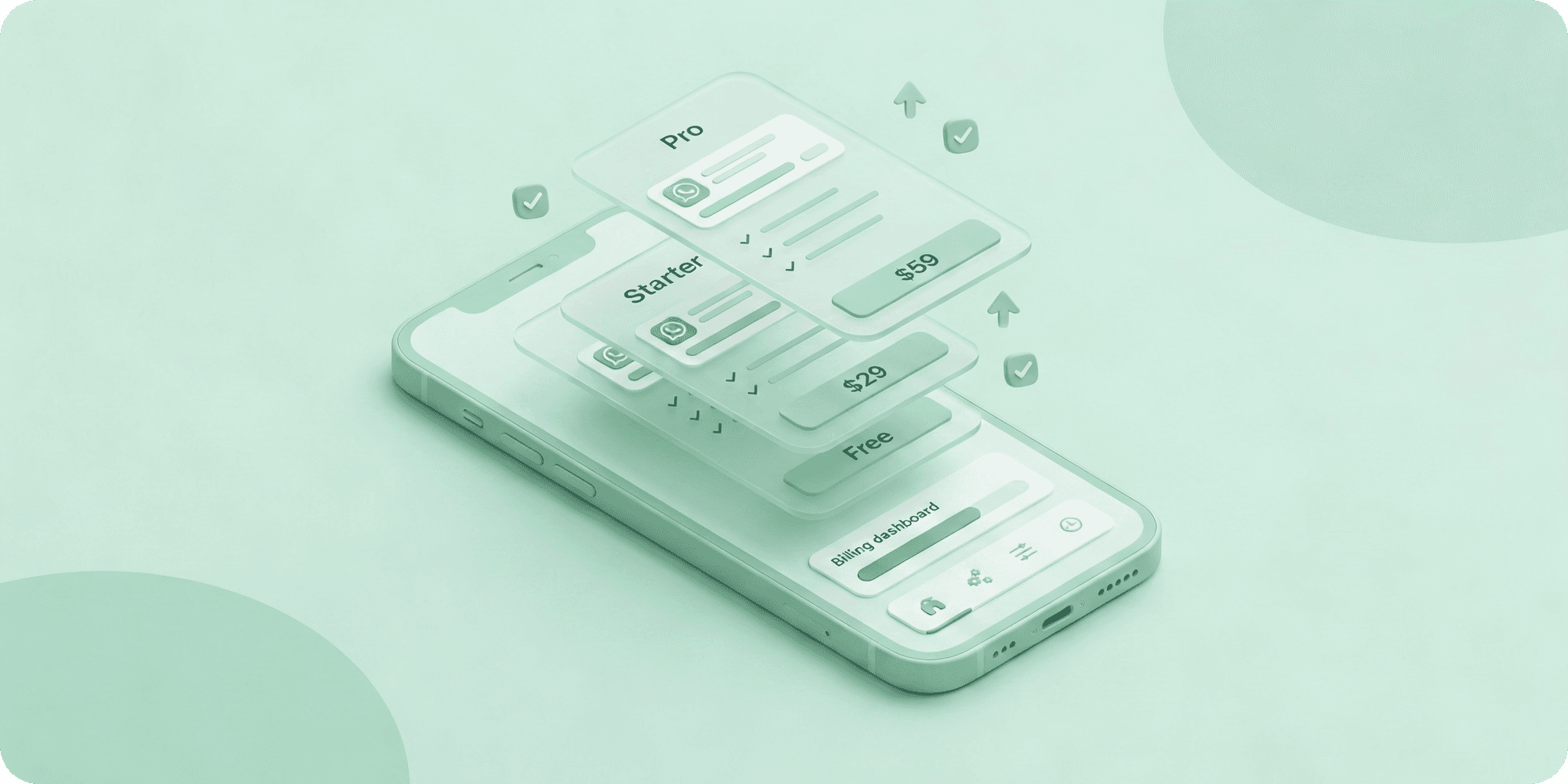
Send Later Pricing at a Glance
Three plans: Basic, Starter, and Pro. Monthly or yearly billing, with a 20% discount when you pay annually.
No hidden fees. No data sold. No account required to get started.
Basic (Free)
Best for: Anyone who wants to try WhatsApp message scheduling before spending anything.
The Basic plan is genuinely free, no credit card, no trial period, no expiry.
What's included:
- 5 scheduled messages
- 3 custom labels
Five messages are enough to experience how scheduling works inside WhatsApp Web. Write a message now, set it to go out tomorrow morning, and it will deliver automatically without you being online. The 3 custom labels let you tag and organise conversations, a small taste of what becomes more powerful on paid plans.
If you send occasional messages and don't need automation, Basic may be all you need. Most users who try it upgrade within the first week once they see how much time it saves.
Starter $15/month ($12/month billed yearly)
Best for: Freelancers, solo operators, and small business owners who use WhatsApp daily for client or customer communication.
What's included:
- 100 scheduled messages
- 10 custom labels
- 2 sequence templates
- 2 groups supported
This is where Send Later becomes a proper WhatsApp productivity tool for everyday business use.
100 scheduled messages comfortably cover most solo workflows, follow-ups, reminders, and check-ins across your client base, without constantly watching a counter.
The real value here is sequence templates. A sequence lets you chain follow-up messages with custom time delays between each one. Set it up once, and Send Later sends them automatically. If the recipient replies, the sequence pauses, so you're never sending a follow-up to someone who already responded. For freelancers managing client updates or salespeople chasing leads, this removes hours of manual follow-up work every week.
10 custom labels means you can build a proper organisational system, leads, active clients, pending invoices, urgent, and filter to the right conversation in seconds.
At $12/month on the yearly plan, it's one of the more practical WhatsApp scheduling tools available for solo use.
Pro $39/month ($31/month billed yearly)
Best for: Power users, small teams, and agencies managing high volumes of WhatsApp conversations.
What's included:
- Unlimited scheduled messages
- Unlimited custom labels
- Unlimited sequence templates
- Unlimited groups supported
- Unlimited keyword watches
The Pro plan removes every limit. No message caps, no restrictions on groups or sequences, everything is unlimited.
The standout feature exclusive to Pro is keyword watches. This monitors your WhatsApp groups in real time and alerts you when a specific word or phrase is mentioned. If you manage active client groups and need to know immediately when someone says "urgent," "payment," or flags an issue, keyword watches surface it without you reading every message.
For agencies running multiple client accounts or teams handling large contact bases, Pro eliminates the friction of managing within limits entirely. At $31/month on the yearly plan, it's well below the API-based WhatsApp platforms that start at $50–$100+/month and require technical setup.
Which Plan Should You Choose?
Start with Basic if you're new to WhatsApp scheduling and want to test it before spending anything. No catch, just limited volume.
Go with Starter if you're using WhatsApp regularly for business and manually sending follow-ups is costing you time. The sequence templates and 100 message limit cover most freelancer and solo operator workflows. This is where most individual users land.
Choose Pro if you're managing multiple groups, running sequences across a large contact base, or need keyword monitoring for active group conversations. The unlimited everything means you never have to think about limits again.
Monthly vs Yearly (Which Makes More Sense)?
If you're still testing whether Send Later fits your workflow, start monthly. Once you're confident, the yearly plan saves you 20%.
For Pro users, the $96 annual savings are worth switching for. For Starter users, $36 saved is a straightforward win if you're already committed to the tool.
Frequently Asked Questions
Q: What happens when I hit the 100 message limit on Starter?
You'll need to upgrade to Pro for unlimited scheduling or manage within your existing limit until it resets.
Q: Does my computer need to stay on for scheduled messages to send?
Yes. Since Send Later works through WhatsApp Web, your computer needs to be on and logged in at the scheduled send time. You don't need to keep the tab open.
Q: Are there any hidden fees or per-message charges?
No. Pricing is straightforward, with no setup fees, no per-message charges, and no data sold.
Q: What is a sequence template?
A series of follow-up messages with custom delays between each one. You write them once, set the timing, and Send Later sends them automatically. The sequence pauses if the recipient replies.
Q: What is a keyword watch?
A Pro feature that monitors a WhatsApp group for a specific word or phrase and alerts you when it's mentioned, useful for staying on top of active groups without reading every message.
Q: Is my data safe?
Yes. Send Later does not store, sell, or share your messages or contact data. Your messages go directly through WhatsApp.
Final Thoughts
Send Later's pricing follows a simple logic: start free, upgrade when your usage grows. For most freelancers and small business owners, the Starter plan at $12/month covers everything needed for consistent scheduling and follow-up automation. For teams and power users, Pro at $31/month removes every limit and adds group monitoring that's hard to replicate manually.
If you're on the fence, the free plan costs nothing to try.