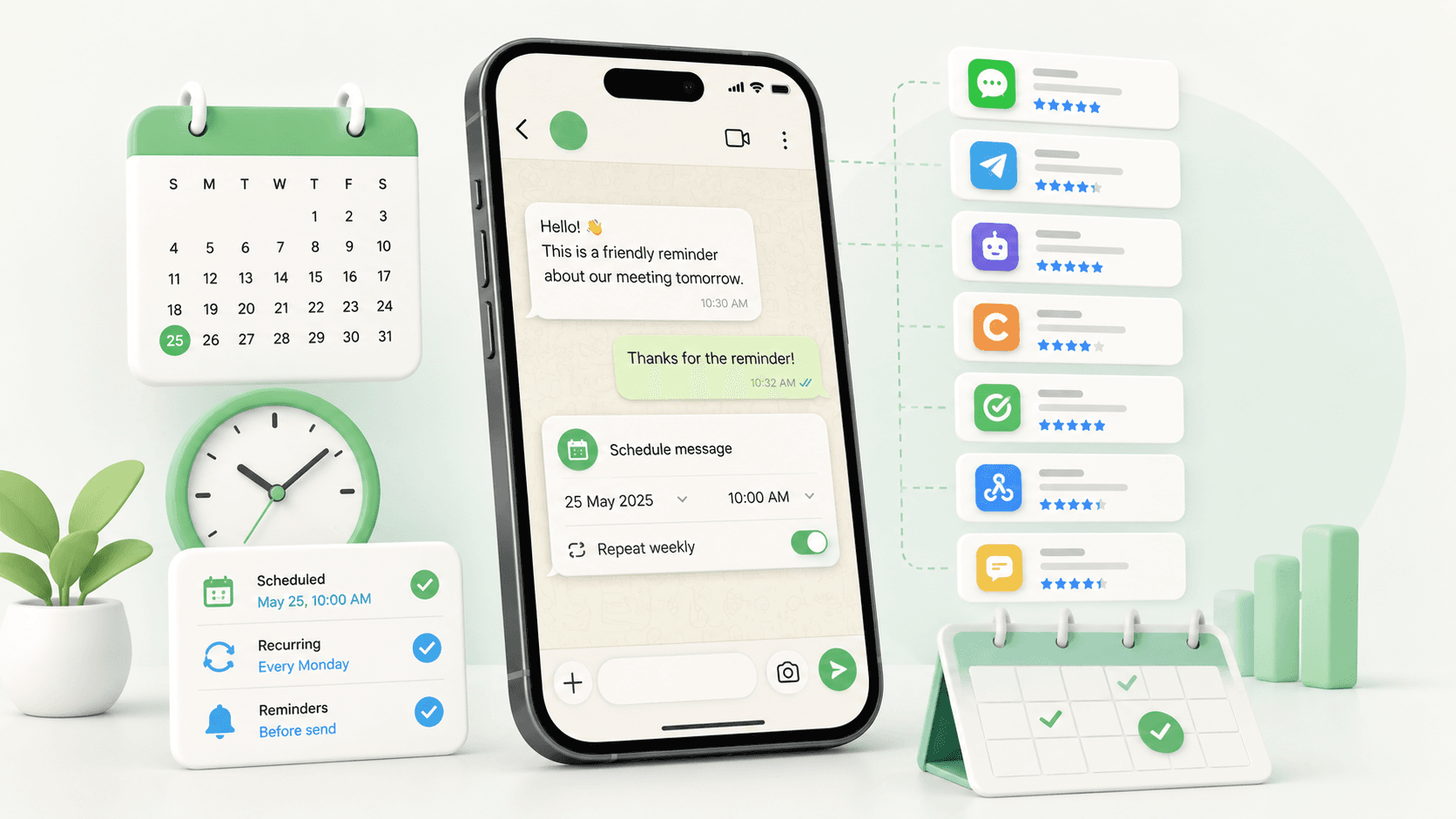
WhatsApp has a 98% open rate, higher than email and higher than SMS. But it still has no native way to schedule a message. No "send later" button, no calendar picker. If timing matters to how you communicate, that's a gap worth closing.
Third-party schedulers fill that gap, but the options vary more than most people expect. Some work only on desktop, some only on Android, some cap free usage quickly, and some are built for teams sending at scale rather than individuals managing a handful of conversations.
This guide compares the 7 best WhatsApp message schedulers in 2026, free and paid, on features, pricing, and who each one is actually built for, so you can make the right call without testing all of them yourself.
What Is a WhatsApp Message Scheduler?
A WhatsApp message scheduler is a tool that lets you write a message now and have it sent automatically at a future date and time, without you needing to be there to hit send.
WhatsApp doesn't offer this natively. There's no built-in "send later" button on any platform, personal or business. Every scheduler on this list is a third-party tool that fills that gap, either as a Chrome extension that works inside WhatsApp Web, an Android app that runs on your phone, or an AI assistant you message directly on WhatsApp.
7 Best WhatsApp Message Schedulers Compared (Free & Paid)
1. Send Later

Send Later is a Chrome extension built for individuals, freelancers, sales teams, and small businesses who want to schedule WhatsApp messages without any API setup or technical configuration. It works directly inside WhatsApp Web, with no separate dashboard and no approval process. The install takes under 15 seconds, and you can schedule your first message without creating an account.
What sets it apart is the depth beyond basic scheduling. Follow-up sequences pause automatically when the recipient replies, smart labels keep contacts organised, and keyword alerts flag important group mentions. Everything syncs across desktop and mobile, and your messages never leave your device.
Key Features
- Schedule messages by date and time
- Automated follow-up sequences that pause when the recipient replies
- Supports attachments, images, videos, PDFs, audio
- Smart labels and filters to organise chats
- Welcome messages for new contacts or group members
- Keyword alerts for group conversations
- Cross-device sync between desktop and mobile
- Full message dashboard, edit, reschedule, or delete anytime
Pricing
Who It's For
Sales teams managing follow-ups, freelancers handling client communication, businesses sending reminders, and individuals who want messages to go out at the right time without staying glued to their phone.
Verdict
The cleanest option for anyone who works from a browser and wants scheduling, follow-ups, and contact organisation in one place, without needing WhatsApp Business API access.
2. WA Scheduler

WA Scheduler is a Chrome extension that integrates directly into WhatsApp Web, adding a calendar icon next to the message box so you can schedule messages without leaving the chat. It's designed for salespeople, support teams, and anyone managing follow-ups who needs scheduling without a complicated setup or monthly fee.
The standout feature is Pause on Reply; scheduled messages cancel automatically if the contact replies before the message goes out. It also includes a human-like sending simulation with random delays, making automated messages feel less robotic. A built-in control panel lets you view and manage all queued, sent, and paused messages in one place.
Key Features
- Schedule by exact date/time or relative delay (e.g., send in 2 hours)
- Pause on Reply cancels the message if the contact replies first
- Control panel for queued, sent, and paused messages
- Quick search by phone number or message content
- Human-like sending simulation with random delay
- Light and dark mode support
Pricing
Free
Verdict
A solid free option for straightforward scheduling on WhatsApp Web. The Pause on Reply feature alone makes it worth considering, though it lacks follow-up sequences and contact organisation tools that more complete schedulers offer.
3. WAPlus CRM

WAPlus CRM is a Chrome extension that goes beyond scheduling; it's a full WhatsApp productivity tool with CRM features built in. If you're managing leads, customers, or sales conversations on WhatsApp, it does more than just send messages at a set time.
Scheduling works directly from the chat area: pick a time, set the frequency, add a template or attachment, and it handles the rest. What makes it different from simpler schedulers is the layer of CRM features sitting alongside: pipeline management, HubSpot, Salesforce, and Zoho integrations, auto-replies, broadcast messaging, and Google Calendar sync.
Key Features
- Schedule messages with flexible frequency and timing
- Auto-reply setup
- CRM pipeline and sales funnel management
- HubSpot, Salesforce, and Zoho integration
- Broadcast messaging to multiple contacts
- Google Calendar sync
- AI chatbot builder
Pricing
Free plan available. Paid plans for advanced CRM and team features.
Verdict
The right pick if you want scheduling plus CRM in one place without paying for separate tools. If you only need basic scheduling, it's more than you need, but the free plan makes it worth trying regardless.
4. WA Schedule Messages

WA Schedule Messages is a free Chrome extension that focuses purely on doing one thing well: scheduling WhatsApp Web messages to send automatically at the right time. No CRM features, no follow-up sequences, just clean and straightforward scheduling with recurring options built in.
It stores all schedules locally in your browser with no external servers involved, which makes it one of the more privacy-conscious options on this list. The tradeoff is that Chrome needs to be running at send time for messages to go out; there's no cloud-based delivery.
Key Features
- One-time and recurring scheduling (daily, monthly, yearly)
- Quick actions, send now, +1m, +10m, +1d, +1w, +1mo
- Per-contact delivery sends to the correct chat every time
- Timezone-aware scheduling
- Clean popup dashboard, view, edit, or delete scheduled messages
- Fully local, schedules stored in the browser, no data collected
Pricing: Free
Verdict
The lightest option on this list. If all you need is reliable recurring scheduling without any extras, it's a solid pick; just make sure Chrome is running when messages are due to go out.
5. SKEDit

SKEDit is an Android app built specifically for WhatsApp automation, scheduling, auto-replies, bulk messaging, and AI-generated content, all from your phone. With 5 million+ downloads and a 4.8 rating on Google Play, it's one of the most widely used schedulers on this list, and the strongest option for anyone who works primarily from their phone rather than a desktop.
Unlike Chrome extensions that run inside WhatsApp Web, SKEDit uses Android's accessibility services to send messages directly from your device. That means it works on-device without requiring a browser, but your phone needs to be online at the scheduled send time.
Key Features
- Smart scheduling, one-time and recurring (daily, weekly, monthly)
- AI auto-responder with keyword-based replies
- Bulk messaging with CSV contact import
- AI-generated message content
- Status scheduler for WhatsApp status updates
- Supports attachments, images, PDFs, audio, documents
- Analytics dashboard for delivery and engagement tracking
- Works with individual chats, groups, and broadcast lists
Pricing
Free plan, up to 5 scheduled messages per day. Paid plans for unlimited scheduling and business features.
Verdict
The best option for Android users who want more than basic scheduling. The AI auto-reply and bulk messaging features make it genuinely useful for small businesses, though it's Android-only, so desktop users will need to look elsewhere.
6. Blueticks

Blueticks is a Chrome extension trusted by 200,000+ users that goes well beyond scheduling, it's a full WhatsApp productivity suite with campaigns, contact management, task tracking, and an AI support agent built in. For teams that run their business communication through WhatsApp Web, it covers a lot of ground in one tool.
Scheduling is solid, one-time and recurring messages, works with individuals, groups, channels, and communities. The Pro plan adds offline sending, so messages go out even when WhatsApp Web isn't open. Where it stands out is the campaign feature, which lets you send bulk personalised messages to unlimited recipients via CSV import.
Key Features
- One-time and recurring scheduling
- Bulk campaigns with CSV import and personalisation
- Contact labels, notes, and reminders
- AI support agent for automated customer replies
- Task management built in
- Offline sending on Pro plan
- Works with individuals, groups, channels, and communities
Pricing
Verdict
The most feature-complete option on this list for teams. If you need scheduling plus campaigns, contact management, and AI replies in one place, Blueticks covers it. For individuals who only need basic scheduling, the free tier is limited to one message at a time.
7. Zapia

Zapia is a different kind of scheduler; it's a WhatsApp-based AI assistant that handles scheduling through a simple chat command. No Chrome extension, no app to set up, no dashboard to learn. You just message Zapia on WhatsApp, tell it what to send and when, and it handles the delivery.
The approach is unique but comes with a notable tradeoff: messages are sent from Zapia's own number, not yours. So the recipient sees a message from Zapia on your behalf, not a direct message from you. That works fine for reminders and informal messages, but may not suit professional or client-facing communication.
Key Features
- Schedule messages via simple WhatsApp chat commands
- Send reminders to yourself or others
- Schedule multiple contacts at once
- No app download or Chrome extension needed
- Part of a broader AI assistant with 22+ features
- Available on Android, iOS, and web
PricingFree
VerdictThe most frictionless option on this list to get started, no setup, no extension, just message Zapia and go. The catch is that messages come from Zapia's number, not yours, which limits how useful it is for business conversations. Best for personal reminders and informal scheduling.
Are WhatsApp Message Schedulers Safe to Use?
Generally, yes, but it depends on the tool and how you use it.
WhatsApp doesn't ban tools. It bans behaviour. Accounts get flagged for sending unsolicited bulk messages or unusual sending patterns, not for using a third-party scheduler.
How the tools on this list work:
- Chrome extensions run inside your existing WhatsApp Web session, no credentials stored, no external servers
- Android apps like SKEDit use accessibility services to automate sends directly from your device
- Neither approach requires your WhatsApp password
- All seven tools on this list declare they don't collect or sell user data
To stay on the safe side:
- Only schedule messages to contacts who expect to hear from you
- Avoid sending high volumes of unsolicited messages
- Check that any tool you install has a clear privacy policy and recent updates
Used responsibly, the risk is close to zero.
Conclusion
WhatsApp still has no native way to schedule messages, and until it does, third-party tools are the only option. The good news is that the ones on this list are reliable, easy to set up, and most have a free plan worth starting with.
The right pick depends on how you work. For individuals and freelancers who want scheduling, follow-ups, and contact organisation in one place, Send Later is the cleanest option. For Android users who need more automation power, SKEDit covers it. For teams running campaigns and bulk messaging, Blueticks or WAPlus CRM make more sense.
Start with the free plan of whichever tool fits your use case. You'll know quickly whether you need to upgrade.
Frequently Asked Questions
Does WhatsApp have a built-in message scheduler?
No. WhatsApp has no native "send later" feature on any platform, personal or business. All scheduling requires a third-party tool.
Are WhatsApp message schedulers free?
Most have a free plan worth starting with. Send Later has a free plan and paid plans from $12/month for unlimited scheduling and follow-up sequences. Several others on this list are completely free with no paid tier.
Will using a scheduler get my WhatsApp account banned?
Not if you use it responsibly. WhatsApp flags accounts for spammy behaviour, not for using a scheduler. Stick to planned messages with contacts who expect to hear from you.
Do I need WhatsApp Business to use these tools?
No. All seven schedulers work with regular WhatsApp accounts. Some also support WhatsApp Business.
Which scheduler is best for personal use?
Something lightweight that handles basic scheduling without a steep learning curve. Most free tools on this list cover personal use well.
Which scheduler is best for businesses?
Depends on the use case. If you need scheduling with follow-up sequences and contact organisation, Send Later is a solid starting point. For bulk campaigns or CRM features, look at the business-focused options on this list.
Do scheduled messages send if my phone is off?
It depends on the tool. Most Chrome extensions require WhatsApp Web to be open. Check the individual tool's requirements before relying on it for time-sensitive sends.
Can I schedule messages to WhatsApp groups?
Yes. Most schedulers on this list support group scheduling; check the feature breakdown in the comparison table above.